
Predicting Fashion Images with Neural Networks
- Home
- Project Details
Project Description
Predicting Fashion Images with Neural Networks
This project was built during my course of deep learning as part of the master degree in data science I attended.
Project Title: Basic Classification – Predicting a Fashion Image
When it comes to applying artificial intelligence, few tasks are as exciting and accessible as image classification. In this project, we take a deep dive into building and training a neural network to classify clothing items like sneakers, t-shirts, and more. Using TensorFlow and Keras, we leverage the Fashion MNIST dataset, a benchmark dataset containing 70,000 grayscale images of fashion items across 10 categories.
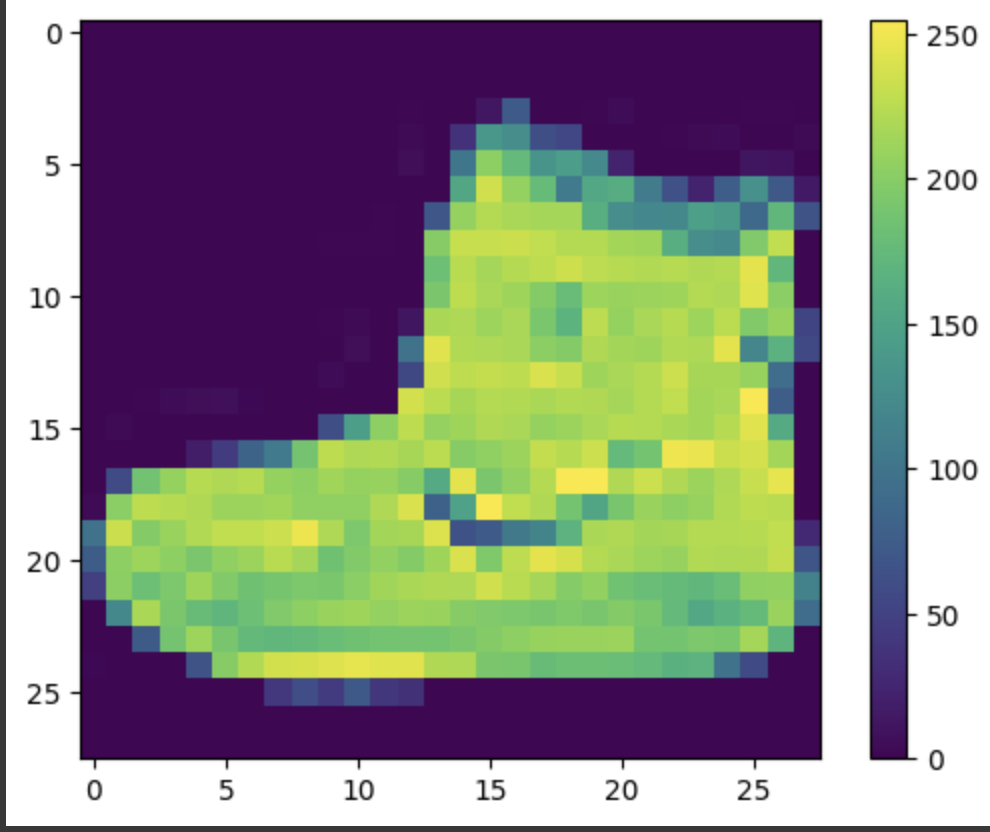
With each image represented as a 28×28 pixel grid and labels corresponding to clothing classes, this project is perfect for beginners looking to understand the fundamentals of neural networks and image classification.
Project Breakdown
1. Dataset Overview
The Fashion MNIST dataset offers an excellent starting point for image classification tasks:
- 70,000 Images: Each image is a 28×28 grayscale representation of an item of clothing.
- 10 Categories: Includes labels for items like sneakers, t-shirts, dresses, and more.
- Structured Data: The dataset is split into training and testing sets, making it easy to evaluate model performance.
2. Key Steps and Implementation
Step 1: Setting Up the Environment
- Import essential libraries, including TensorFlow and Keras for model creation, NumPy for data manipulation, and Matplotlib for visualization.
Step 2: Loading and Exploring the Data
- Load the Fashion MNIST dataset using
keras.datasets.fashion_mnist.load_data(). - Understand the dataset structure by printing the shapes and lengths of training and testing sets.
Step 3: Data Preprocessing
- Normalize pixel values to the range [0, 1] by dividing by 255.
- Ensure the same preprocessing steps are applied to both training and testing sets to maintain consistency.
Step 4: Building the Neural Network
- Define a sequential model using Dense layers to process the input images.
- Specify activation functions like ReLU (Rectified Linear Unit) for hidden layers and softmax for the output layer to handle multi-class classification.
Step 5: Model Compilation
- Configure the model with essential settings:
- Optimizer: Stochastic Gradient Descent (SGD) or Adam for efficient training.
- Loss Function: Categorical Crossentropy for multi-class classification tasks.
- Evaluation Metric: Accuracy to measure performance.
Step 6: Training the Model
- Train the model on the training set using
model.fit(). - Customize training parameters like the number of epochs and batch size to improve performance.
Step 7: Evaluating the Model
- Test the model’s accuracy on unseen data using
model.evaluate(). - Measure loss and accuracy metrics to understand the model’s generalization capabilities.
Step 8: Making Predictions
- Use
model.predict()to classify new images. - Visualize the results, showcasing both the predicted and actual labels for test samples.
Usage Instructions
- Open the code in Google Colab for a seamless, ready-to-run environment.
- Follow the notebook cells sequentially, observing outputs and visualizations along the way.
- Experiment with the architecture by tweaking hyperparameters or adding layers to explore different outcomes.
Conclusion
This project provides an accessible yet comprehensive introduction to image classification with neural networks. From data preprocessing and model training to performance evaluation and prediction, it covers the essential steps to build a robust classifier.
By exploring this project, users will not only gain insights into machine learning workflows but also experience the practical application of deep learning in a fun and relatable context. Whether you’re a student like me or an AI enthusiast, this project is a fantastic gateway into the exciting world of neural networks.
It was super fun to learn this in class !!